Win the work
Capture the request, prepare the right quote or assessment, and follow up while the customer is still ready to hire.
Field service management for Quebec crews
From the first call to getting paid, Opti-Terrain helps service owners quote work, build the schedule, keep crews informed, invoice faster, and follow up without relying on memory.
For HVAC, plumbing, cleaning, lawn care, pressure washing, and other field-service teams.
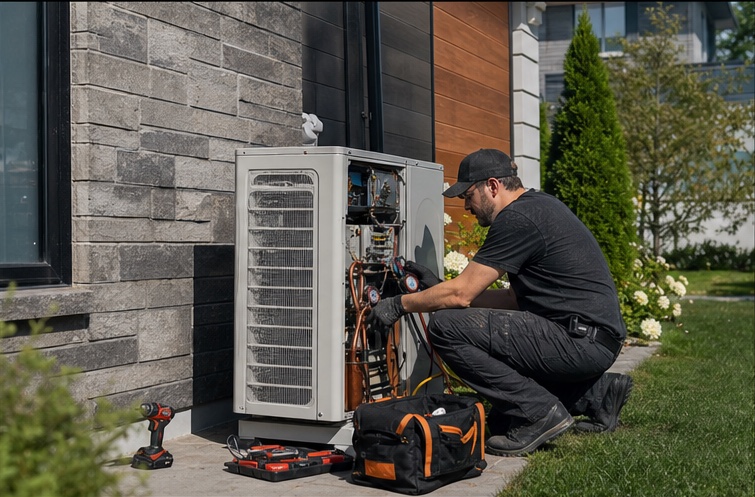
Built for a busy service day
A lead calls while you are on a job. A quote sits longer than it should. A customer changes the time. Nothing dramatic breaks. The next thing simply does not happen. Opti-Terrain keeps the work moving when your attention has to be somewhere else.
Capture the request, prepare the right quote or assessment, and follow up while the customer is still ready to hire.
Build a workable schedule, keep crews informed, carry job details into the field, and update customers when plans change.
Keep completion details, customer follow-through, invoice drafts, invoices, expenses, and job records tied together.
Meet Opti Assistant
Opti Assistant works from the quotes, jobs, schedule, crew capacity, and customer conversations already inside Opti-Terrain. It helps surface the quote waiting on a follow-up, the visit at risk, the open slot, or the missing detail. Important changes still wait for your approval.
Requests, quotes, customer messages, jobs, capacity, costs, and completion stay connected.
You choose the timing, services, zones, capacity, messages, and approval limits.
Built-in workflows take care of supported reminders, follow-ups, recurring work, updates, and drafts.
Opti Assistant can point to the affected customer or job and explain why it matters.
Pricing, rescheduling, capacity, weather, and other important changes remain visible for approval.
Move supported work toward a priced quote and route visit-required work to an assessment.
Use your follow-up delay and validity window for one bilingual reminder and a clear expiry.
Send one configured reminder before the visit without relying on office memory.
Create the next weekly, biweekly, monthly, quarterly, or annual job after completion.
Prepare a linked draft invoice after completion while leaving the send decision with the office.
Reassign only eligible routine work or prepare a customer reschedule path when the rules allow it.
Prepare a future date and technician option for weather-sensitive work, then wait for owner approval.
Revalidate exact availability, follow up after 2 hours, escalate after 4, and expire after 24.
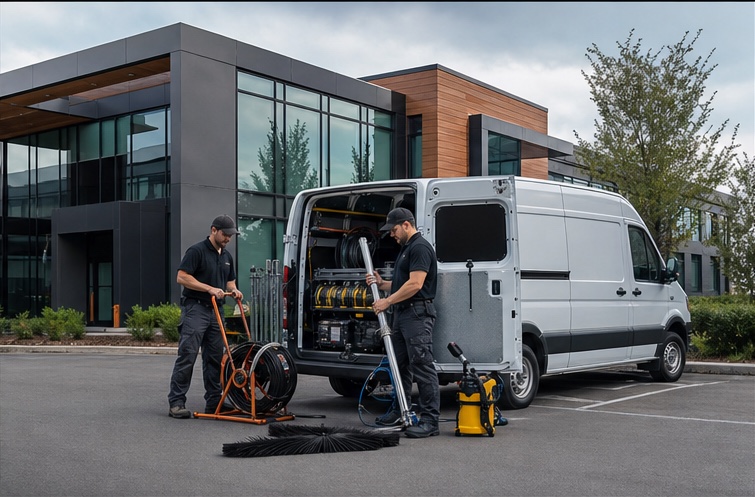
Made for work that happens on-site
Opti-Terrain is built around the way a small field-service company actually operates. The person answering the phone, the crew doing the work, and the owner watching the day all work from the same job record.
Requests, photos, service details, quotes, approvals, reminders, and the booked time stay together.
The crew can carry the schedule, customer details, notes, checklists, photos, status, and time into the field.
Completion details, customer follow-through, recurring work, invoice drafts, invoices, costs, and reporting stay attached.
From first contact to finished work
Adaptable intake gathers useful details and routes supported work toward a quote or a structured assessment.
Catalog pricing, quote status, eligible availability, crew capacity, and travel constraints stay part of the same decision.
The crew sees the assigned work, customer details, notes, checklists, photos, status, and supported field actions.
Customer updates, recurring work, feedback, invoice drafts, invoices, expenses, and reporting remain attached after completion.
Built around real field work
Residential calls, commercial sites, exterior routes, and interior projects all create different details. Opti-Terrain keeps the customer, schedule, crew context, documents, and next action connected.
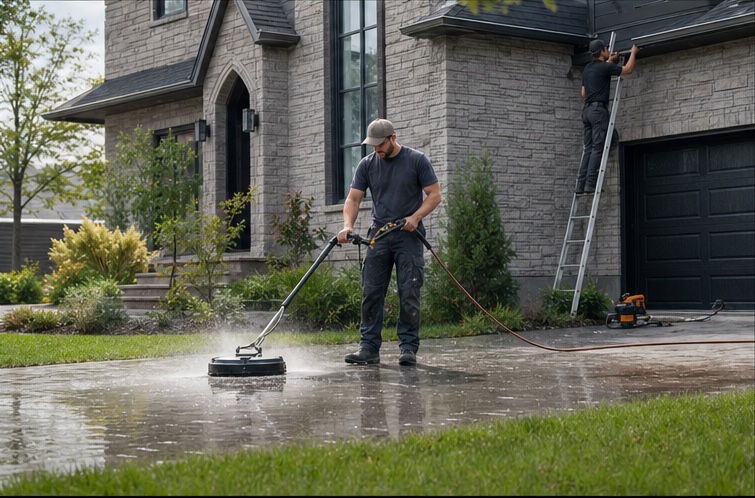

Configured around the work you perform
Explore how intake, quoting or assessment, scheduling, customer communication, field delivery, recurring work, and billing fit the way each service team actually works.
An emergency call should not make the HVAC lead you meant to return disappear.
Explore ↗02The duct-cleaning quote you meant to follow up on is already being compared with three others.
Explore ↗03A painting project should not disappear between the site visit and the quote you planned to finish later.
Explore ↗04Gutter season should not turn every unanswered request into something else you have to remember tonight.
Explore ↗05The seal-coating follow-up you meant to send should not cost another dry day.
Explore ↗06Recurring pool revenue stops being recurring when the next visit depends on someone remembering it.
Explore ↗07Recurring lawn revenue should not depend on someone remembering to create the next visit.
Explore ↗08The window-cleaning estimate you planned to revisit should not wait until the customer follows up with you.
Explore ↗09Reliable recurring cleaning should not depend on you rebuilding the week from memory.
Explore ↗10The carpet-cleaning inquiry you saw between jobs should not disappear before you get back to it.
Explore ↗11The pressure-washing follow-up you planned to send should not become someone else’s easy win.
Explore ↗12One urgent plumbing call should not make the rest of today’s operation forget what happens next.
Explore ↗What a stronger operation protects
Structured intake gives the office and field team useful context while the customer is still ready to act.
Scheduling checks availability, capacity, blocked time, existing work, and travel before the customer commits.
Configured confirmations, reminders, updates, and follow-through keep the customer from wondering what happened next.
Quotes, job notes, field actions, expenses, invoice drafts, and invoices stay tied to the work.
Public customer flows support English and Quebec French.
TPS, TVQ, NEQ, and RBQ information can appear where customers expect it.
Twenty connected product areas
Explore the verified product areas that connect request intake, planning, field delivery, customer communication, financial records, and operational control.
See all features ↗Built for real service days
Opti-Terrain is built for the missed call, the late crew, the urgent job, the weather delay, and the customer who needs an answer now. Routine steps keep moving. Important decisions come back to the owner.
Guided intake collects the useful details, chooses the supported quote or assessment path, and offers availability that respects real capacity.
Opti-Terrain identifies affected work, handles only safe routine recovery, and prepares the consequential decision for the owner.
The checklist, photos, optional signature, deficiencies, notes, status, and optional draft invoice finish the operational handoff.
Plans
Connect the core operation for a small owner-led service team.
Discuss your launch↗Coordinate a growing crew across field work and customer communication.
Discuss your launch↗Run higher volume with the full operational workflow and deeper capacity controls.
Discuss your launch↗Plan a larger rollout around the routine work and exceptions your team carries today.
Contact us↗Plans are confirmed separately during onboarding. Creating an account does not select or purchase a plan.
Quote requests are never blocked. Additional requests are $4 CAD each and are confirmed during onboarding until self-serve billing is available.
FAQ
No. Supported configured workflows can complete routine actions such as request routing, one quote follow-up, appointment reminders, recurring-job creation, eligible assignment, customer updates, satisfaction requests, and invoice-draft creation. The result stays visible.
Yes. Public intake, quote, booking, tracking, invoice, and feedback flows support English and Quebec French.
No. Repeatable services can use catalog pricing, while work that needs a human look can become a structured assessment request.
It checks blocked dates, technician shifts, capacity, travel buffers, and existing work before showing an opening.
Opti-Terrain is designed to stop at configured boundaries, surface the exception with its context, and keep the reason for each important action visible instead of making consequential decisions behind your back.
Guided launch
Show us how a real lead, quote, schedule change, field visit, invoice, and follow-up move through your business. We will map that work through Opti-Terrain and keep the important calls with you.